Hy-Tech Club
HyTOP Setup
This semester, Hy-Tech Club will be utilizing a brand new bespoke web coding platform built specifically for Hyland: the Hyland Tech Outreach Portal!
Creating an Account
If you need an account, follow these steps:
- Click here to go to HyTOP
- Fill out your real name, a valid email, a username, and password
- Click the Register button
Make sure to remember your username and password - that’s what you’ll use to log into HyTOP week to week!
Joining Your Course
In order to ease facilitation, enroll in your current course.
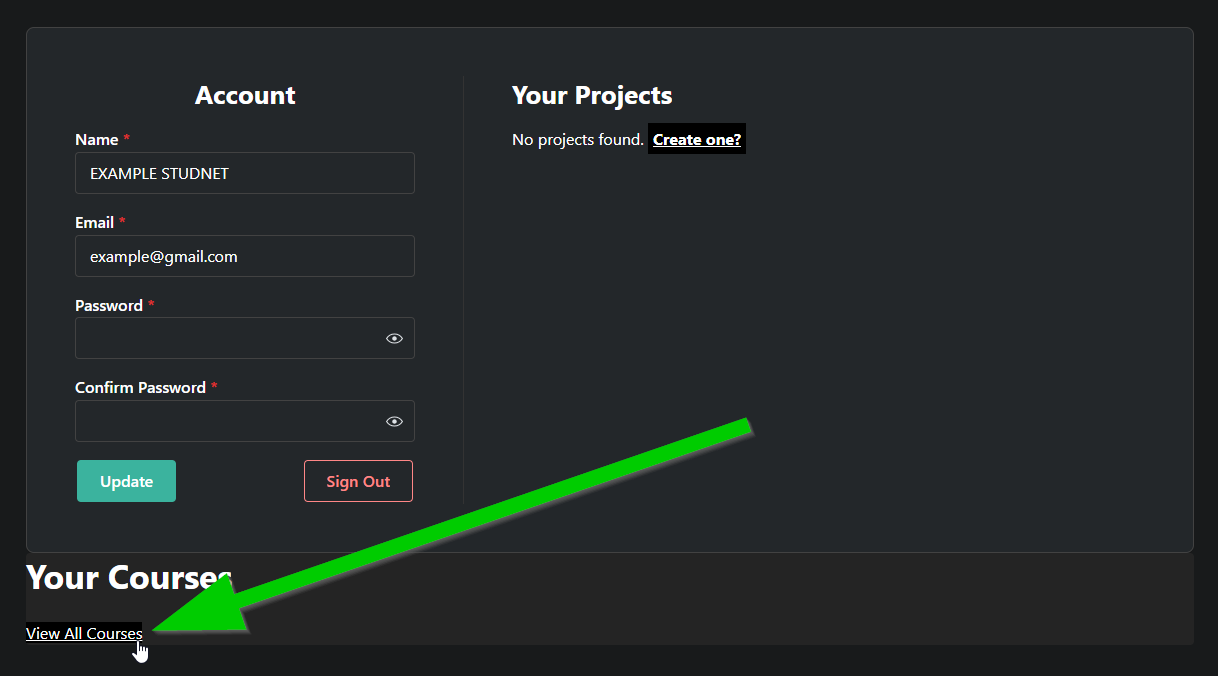
- Navigate to your profile
- You should be redirected automatically after creating an account
- In the bottom left, click the “View All Courses” link
- Find your course, and click the “Enroll” button
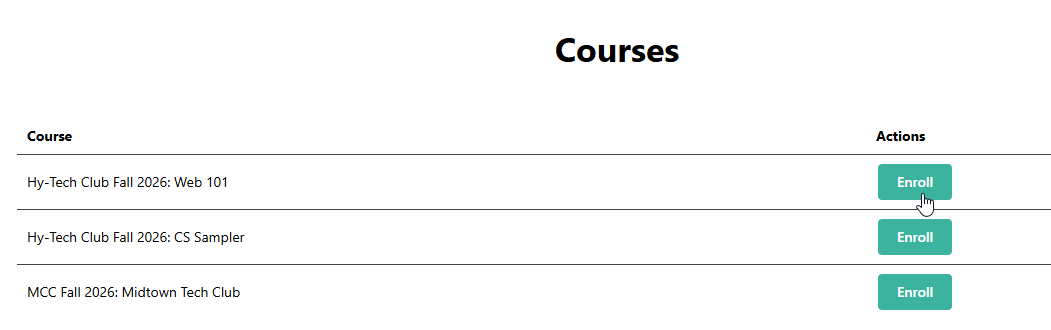
After that, an instructor will confirm your enrollment, and you’ll be in the course!